
The complete guide
Website Personalization
What it is, why it works, and where to start.
Learn
Use Cases
How teams use ConversionWax
Guides
Step-by-step setup and strategy
Content Personalization Guide
How to personalize your website
Playbook
Proven plays for every industry
Compare
How we stack up against others
Blog
Personalization tips and platform updates
Help Center
Docs, setup guides, and support
Featured playbook
Ecommerce Personalization Playbook
Geo-targeted offers, BFCM windows, device-specific layouts - copy-paste plays that run themselves.
Optimized Images
Auto-resize for any device
Video Support
Personalized video content
Scheduled Updates
Time-based content automation
By role
Ecommerce Operators
Geo-offers, BFCM, device layouts
Growth Marketers
Campaign pages, UTM matching, A/B
Digital Agencies
Multi-site, version control, team access
New in the platform
AI Image Generation
Generate campaign visuals from a prompt. Saves to your asset library.
Learn more →Real-time personalization hub
Real-Time Website Personalization
One embed across every platform. Geo, UTM, viewport, and schedule rules render in milliseconds.
Platforms
WordPress
Plugin · WordPress.org
Shopify
Real-time personalization
Adobe Commerce
Plugin · Magento personalization
Contentful
Headless CMS personalization
Joomla
Real-time personalization
Sanity
Headless CMS personalization
Native plugins
On WordPress.org
ConversionWax for WordPress
Official plugin: shortcode-based banners, A/B testing, and AI image generation. Defer-loaded, Core Web Vitals friendly.
Get the plugin →Help docs
ConversionWax for Adobe Commerce
Plugin for Adobe Commerce and Magento Open Source. Setup guide and configuration steps.
Read the docs →Asset imports
Just released
Canva → ConversionWax
Import banner designs and hero images from Canva directly into your ConversionWax asset library. Skip the export-upload cycle.
See how it works →Anywhere else
One embed code
If your site can accept a script, ConversionWax works on it. WooCommerce, Webflow, BigCommerce, Squarespace, custom builds.
See setup →Website Personalization
Show every visitor the right hero image, headline, and offer based on where they are, where they came from, and what device they're using. No dev tickets. No coding required. One script tag, one dashboard, your marketing team owns the loop.
23%
Conversion lift in first month
GetFPV
+18%
Conversions across the board
Metric & Main, NYC
10+ hrs
Saved on Black Friday prep
Summit Outdoor Gear
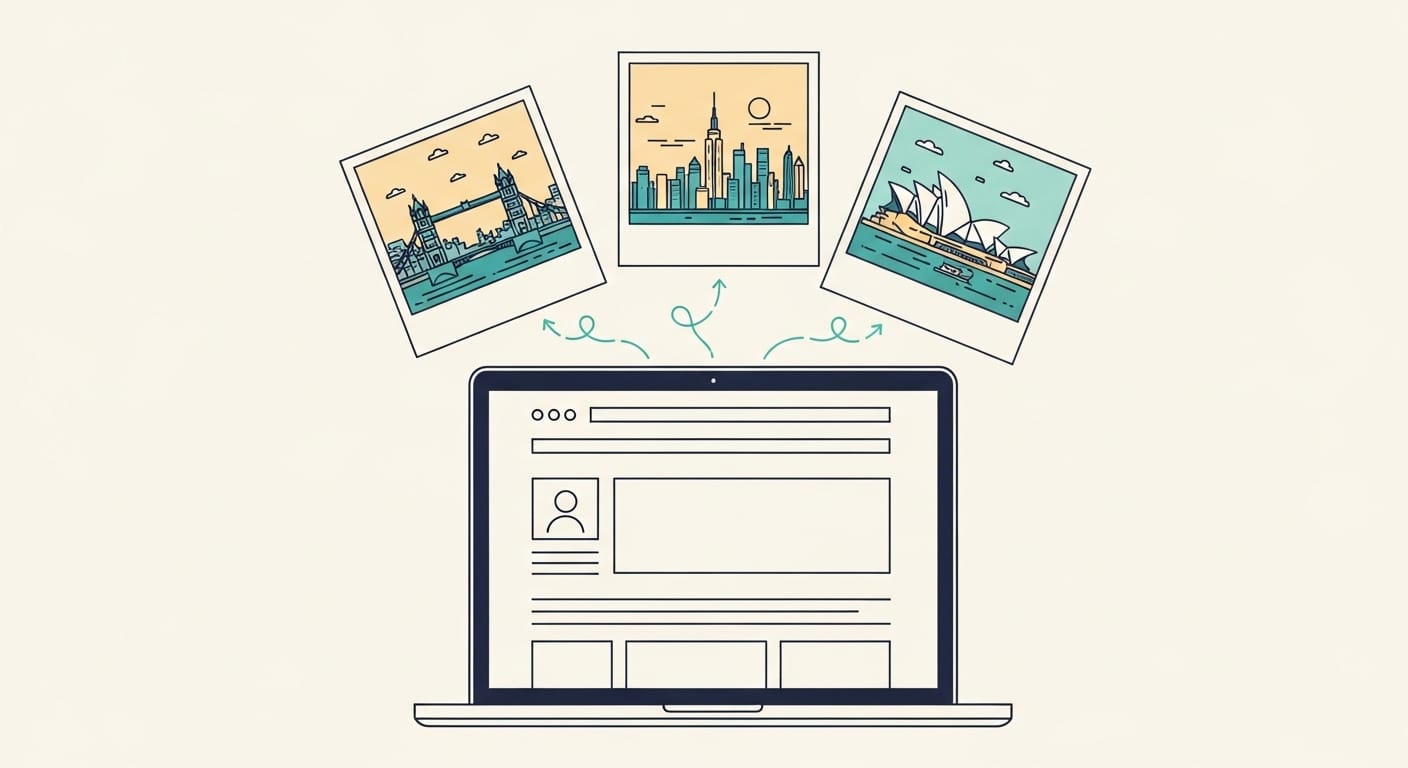
What is website personalization?
Website personalization is the practice of showing different site content to different visitors based on signals like location, campaign source, device, and time. Instead of one page for everyone, the page adapts to who's looking at it.
A visitor in London who clicked a Google Ads campaign for winter coats should land on a page showing winter coats, not a generic homepage. That's the job. Match what drove the click.
Our customers see results in the first month. GetFPV, a drone retailer, saw a 23% lift in conversion rates after adding location-specific promotions. Metric & Main, a Manhattan retailer, lifted conversions 18% by personalizing at the neighborhood level. Summit Outdoor Gear saved 10+ hours on Black Friday prep by scheduling banner swaps in advance.
ConversionWax focuses on visual personalization: hero images, headlines, and calls-to-action. Not every element on the page needs to change per visitor. The ones that do the work are the ones visitors see first. We built the platform so marketing teams can ship those changes without filing a dev ticket.
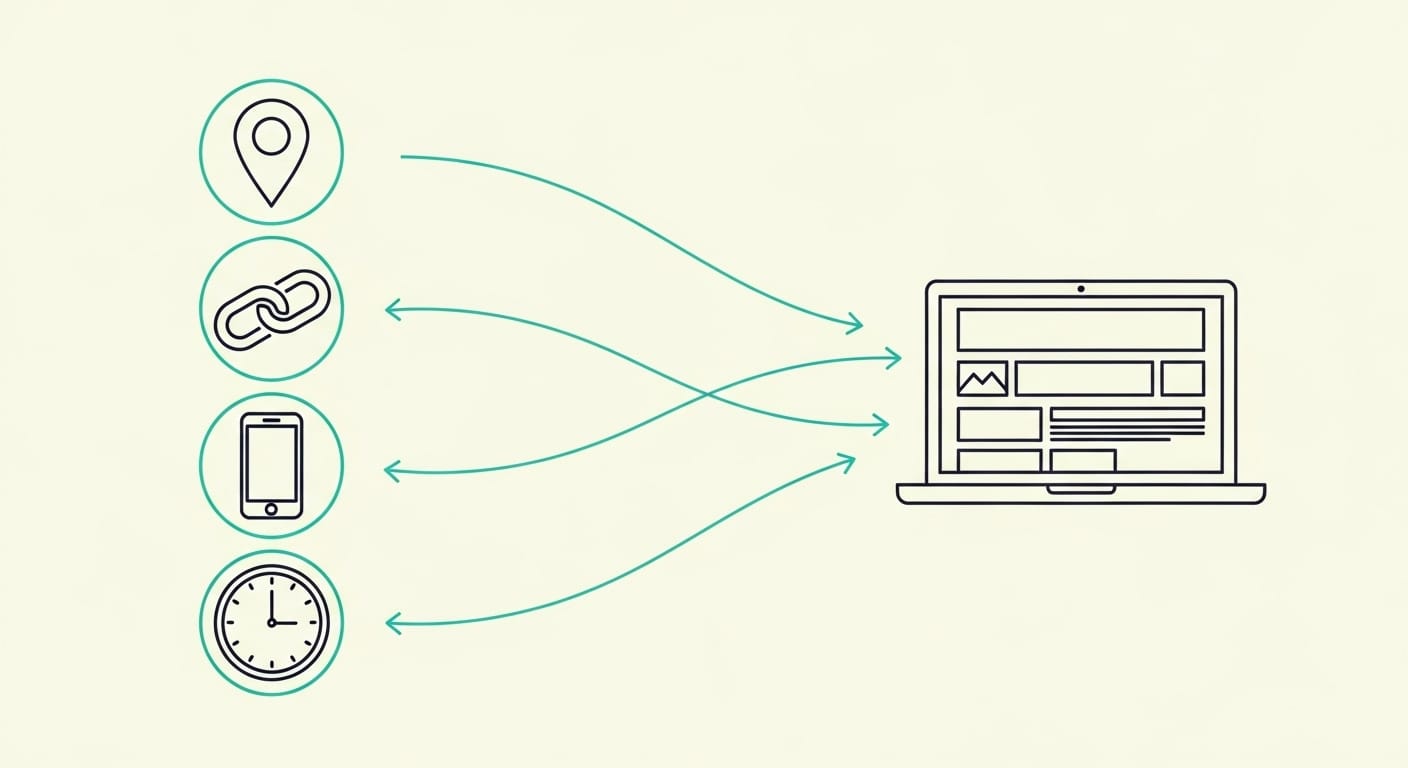
Personalization capabilities
Geotargeting
Geotargeting shows different content based on where visitors are. ConversionWax detects location automatically, down to the city level where it's reliable. A visitor in Tokyo sees Japan-market content. A visitor in Berlin sees German-market content. Same URL. No subdomains, no redirects.
Metric & Main uses this for neighborhood-level targeting across Manhattan. Brooklyn visitors see Brooklyn-specific content. Midtown sees Midtown. Their conversion rate is up 18% across the board.
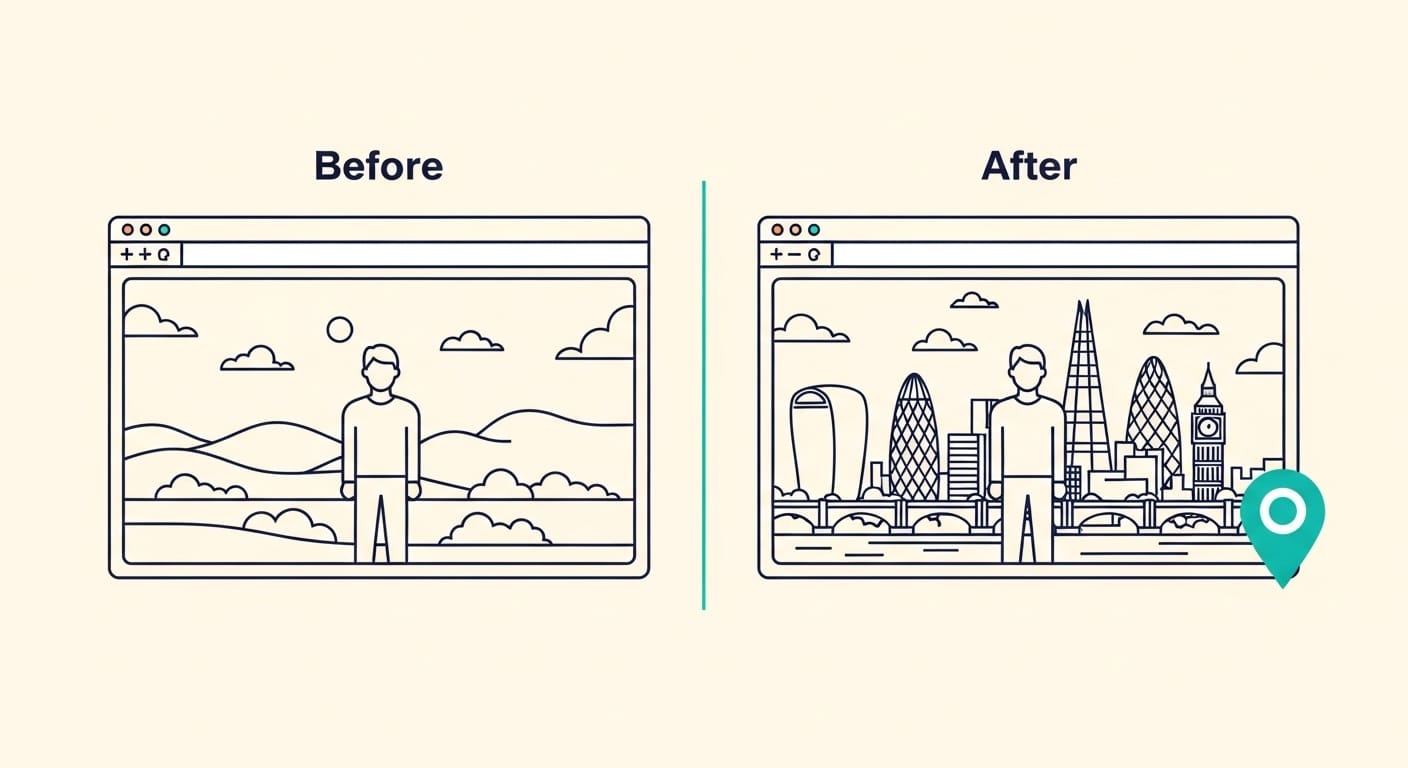
Campaign targeting
Campaign targeting matches the landing page to the ad that drove the click. ConversionWax reads UTM tags and URL parameters, then swaps in content that continues the conversation from the ad. Google Ads keyword theme becomes H1 copy. Facebook lifestyle shot becomes hero image. The visitor sees the ad they remember.
We run this on our own site. A Google Ads click for "website personalization software" lands on a page where the H1 is dynamically set to the keyword theme that drove the click. Message match is the fastest quick win in paid search. See campaign personalization for the full setup.
Platform features
Beyond geotargeting and campaign matching, ConversionWax handles the operational side of running personalization at scale. Schedule banner swaps to publish at specific dates and times. Run image and video variants with built-in A/B testing. Generate hero images from text prompts via AI image generation. Roll back to a previous variant in one click via version control. Share dashboards across teams with role-based access.
How website personalization works
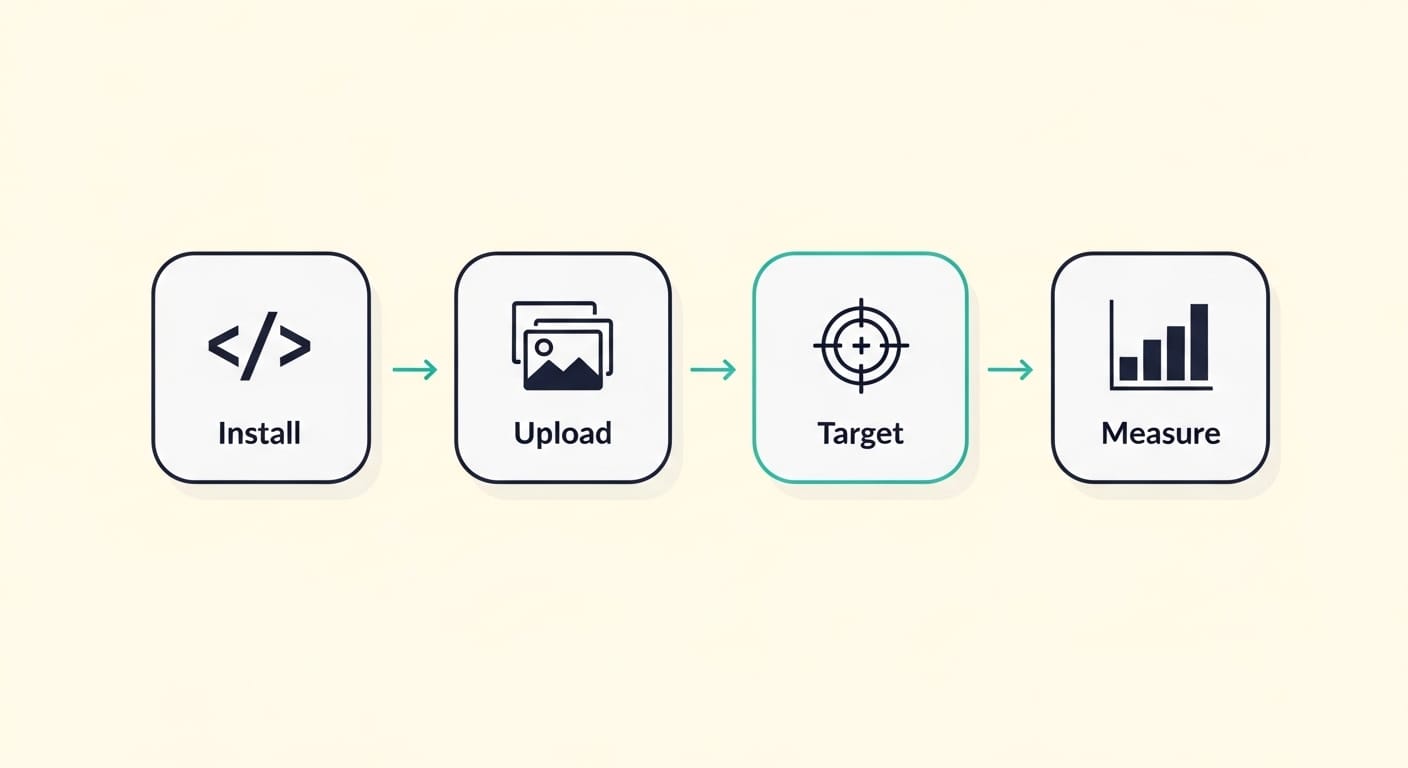
Install the snippet
One line of JavaScript, added to your theme, header, or tag manager. Works on Shopify, WordPress, WooCommerce, Wix, Squarespace, Magento, Webflow, and any site that accepts a script. Under 10 KB, loads async, doesn't block render. Most installs take under five minutes.
Upload your variants
Drop in image, video, or text variants for each element you want to personalize. Tag each variant with the targeting context it should match: location, campaign source, device, or schedule window.
Set targeting rules
Pick which signal triggers which variant. Combine signals (location plus campaign, device plus schedule) to narrow targeting where the use case calls for it.
Publish and measure
Changes go live immediately. Variants swap in under 50ms, no flicker. The dashboard shows impressions, clicks, CTR, and conversion lift per variant. Run two versions head-to-head, declare a winner, promote it to default in one click.
Who uses website personalization?
Ecommerce and retail
Online retailers show region-specific product imagery, localized shipping messages, and campaign-matched hero banners. GetFPV, a drone and FPV gear retailer, lifted conversion rates 23% in the first month by showing location-specific promotions to their community across different regions. Pool Dawgs uses it for BFCM scheduling. Banners go live automatically at the right time in the right city.
Multi-location services
Metric & Main, a retailer across Manhattan, uses geotargeting for neighborhood-level personalization. Brooklyn visitors see Brooklyn content. Midtown sees Midtown. Conversion rate is up 18% across the board. The rules live in one dashboard and apply automatically.
SaaS and technology
Software companies use campaign matching to keep quality scores high. We run this on our own site. A Google Ads click for "website personalization" lands on a page with a matching H1.
Travel and hospitality
Travel sites show climate-contrast imagery. Visitors in cold cities see warm-destination heroes. Visitors in warm cities see snow-destination heroes. Same booking flow, different first impression.
Media and publishing
Publishers personalize subscription offers and CTA placement by referrer source. A visitor from a paid social campaign sees a different upgrade prompt than an organic search visitor.
Digital agencies
Agencies use ConversionWax to manage personalization across multiple client sites from one account. Orange Collar Media, a Chicago-based digital agency, has deployed ConversionWax across 15+ client sites. Each client's rules stay separate. The agency team sees everything in one dashboard.
Performance and technical details
Millisecond swaps
Variants swap in under 50ms. Visitors can't tell a variant is being served versus the static page.
No layout shift
Variant containers reserve their final dimensions before swap. CLS scores stay clean.
Global CDN
Assets served from edge locations near the visitor. Same TTFB as your own site.
Lightweight script
Under 10 KB gzipped. Loads async. Does not block render or hurt Lighthouse scores.
Platform compatibility
ConversionWax works on every CMS that accepts a script tag. Install via plugin, theme header, or a tag manager.







For platform-specific setup, see our WordPress personalization guide or the Shopify guide.
Analytics and measurement
Every variant is tracked automatically. The dashboard shows impressions, clicks, CTR, and conversion lift per variant, segmented by location, campaign, device, or time. The A/B testing module declares winners at statistical confidence. Export to CSV if you want to pipe it into GA4 or BigQuery.
A/B Test · Hero variants
Homepage hero, New York visitors
Variant A · Generic
ControlImpressions
12,847
Clicks
398
CTR
3.10%
Conv. lift
baseline
Variant B · NYC skyline
+23%Impressions
12,914
Clicks
492
CTR
3.81%
Conv. lift
+23.0%
Last 30 days · Confidence 97% · Filtered to New York DMA
Set Variant B as defaultRepresentative dashboard view. Real customer data is anonymized in the live product.
Best practices
Start with high-impact pages
Start with your homepage hero and your top landing pages. That's where personalization pays for itself fastest. Once those are running and tested, expand to deeper funnel stages. Don't try to personalize everything at once. Our customers who see the biggest lifts almost always started narrow.
Match campaigns end-to-end
The biggest quick win is matching landing pages to ad creative. If your Facebook ad shows a specific product shot with specific copy, the landing page should mirror it. Customers routinely see 15-25% conversion lifts from campaign matching alone. It's cheaper than rebuilding pages and faster than A/B testing from scratch.
Use location data strategically
Location-based content works when it creates real relevance. Regional product availability, local shipping options, city-specific promotions. Location-based content does not work when it's a gimmick. Slapping a city name into a headline without changing anything else reads as surveillance, not service.
Test and iterate
Run A/B tests. Sometimes the generic version beats the personalized one. That's information, not failure. Use it to decide which visitor signals actually matter for your audience.
Set meaningful fallbacks
Design your default content to perform well by itself. Personalized variants are additions, not requirements. If a visitor doesn't match any targeting rule, the default should still convert.
Frequently asked questions
How long does it take to set up ConversionWax?
Most installs take under five minutes. Add the script to your site, log in to the dashboard, upload your first variant, set the targeting rule. You can have a personalized hero live in under an hour.
Does personalization affect page load speed?
No. The script is under 10 KB, loads async, and doesn't block render. Variant swaps complete in under 50ms with reserved containers, so there's no layout shift. Lighthouse scores stay clean.
What platforms does ConversionWax work with?
Shopify, WordPress, WooCommerce, Wix, BigCommerce, Magento, Squarespace, Webflow, and any site that accepts a script tag. Install via plugin, theme header, or tag manager.
How accurate is the geographic targeting?
Country and region accuracy is above 99%. City accuracy is around 92% in major metros, lower in rural areas. ConversionWax pulls from the best available IP geolocation data and lets you set fallbacks for ambiguous matches.
How is website personalization different from A/B testing?
A/B testing compares two versions of the same page to find which one performs better for everyone. Personalization shows different versions to different visitors based on who they are. You can use both. Most of our customers test variants within their personalization rules to find which variant works best for each segment.
Does website personalization hurt SEO?
No, if you do it right. Personalized variants swap after the initial page load, so crawlers see the default content. Google indexes the default page. As long as your default content is complete and indexable, personalization doesn't affect rankings. It does affect conversion, which is the point.
What's the difference between ConversionWax and Mutiny or Optimizely?
Mutiny and Optimizely are category leaders built for enterprise teams with six-figure annual budgets. ConversionWax is built for marketing teams at growth-stage companies who need the same capabilities without the enterprise price tag or implementation cycle. We charge by pageviews, not seats or experiments. Setup takes minutes, not months. If you're already running Mutiny and it's working, stay. If you're evaluating for the first time, try us. See pricing.
Start personalizing your website today
14-day free trial on paid plans. Free Community plan up to 5,000 pageviews per month.